
How Residential GCs Keep the Office and Field Crew on the Same Task List
Summary
Office and field drift apart when tasks live on whiteboards, texts and sticky notes. A shared task list where every item has one owner, a due date and a visible status, and is closed out with a photo or note, keeps everyone accountable for the next step and stops small misses from turning into cost, schedule and client problems.
On this page
- Key takeaways
- Why do the office and the field end up on different pages?
- Why do small misses cost so much on a custom home?
- What makes a task useful to both the office and the field?
- How to set up a shared task system that people actually use
- Common mistakes when rolling out a shared task list
- What about generic to-do apps?
- How Ally keeps the office and field on one task list
- Frequently asked questions
Residential GCs keep the office and field on the same task list by moving every task out of texts, whiteboards and memory into one shared system where each item has a single owner, a due date and a visible status, and is closed out with a photo or a note. When everyone can see who owns the next step, small handoffs stop slipping through the cracks.
Key takeaways
- The office/field gap isn’t a people problem. It’s what happens when tasks live in five different places.
- Small missed or unclear communications have an outsized effect on cost, schedule and the client relationship.
- A useful task has one owner, a due date, enough context to act on, and a clear definition of done.
- Closing tasks with a photo or short note turns “I think it’s done” into a record.
- The real benefit is accountability: everyone knows who owns the next step.
Why do the office and the field end up on different pages?
On most custom home projects, the task list is scattered across a whiteboard in the office, a superintendent’s notebook, a group text, an email from the architect and a sticky note on someone’s monitor. Each one is accurate to the person who wrote it and out of date for everyone else.
The symptoms are familiar:
- The office promises the owner something the field hasn’t heard about.
- The field finishes a task, but nobody tells the office, so it gets asked about again next week.
- Two people handle the same request, or nobody does because each assumed the other would.
- An instruction given on a walkthrough is remembered differently by everyone who was there.
None of this is about effort. It’s what happens when there’s no single place where tasks live.
Why do small misses cost so much on a custom home?
On high-end residential work, small communication gaps have a habit of compounding. A few examples of how it plays out:
- Cost: a blocking detail the office confirmed with the architect never reaches the framer. The wall gets closed, and opening it again costs a day of labor plus drywall repair.
- Schedule: nobody follows up on the appliance spec the cabinetmaker asked for, so cabinet fabrication starts a week late, and every trade behind it moves.
- Client relationship: the homeowner mentions a scratched window during a site visit, is told “we’ll take care of it,” and asks again three weeks later. The window costs nothing to fix. The lost confidence costs more.
Homeowners investing in a custom home notice when details are dropped, and they remember. A shared task list is one of the simplest ways to protect your reputation.
What makes a task useful to both the office and the field?
A task that just says “Call plumber” isn’t enough. A useful task answers five questions:
| Question | Example |
|---|---|
| What exactly needs to happen? | Confirm rough-in height for the floating vanity in the primary bath |
| Who owns it? | One named person: the site lead, not “plumbing” |
| When is it due? | Before Thursday’s rough plumbing inspection |
| What do they need to act on it? | The vanity spec sheet and the architect’s elevation, attached |
| How will we know it’s done? | Photo of the marked rough-in with a tape measure in frame |
One owner matters most. When a task belongs to “the team,” it belongs to nobody. If someone else needs to help, they can be added, but one person is accountable for closing it.
How to set up a shared task system that people actually use
1. Put every task in one place
Agree as a team that if it isn’t in the shared list, it isn’t a task. Texts and walkthrough notes still happen; the rule is that whoever receives them turns them into a task, right away, with an owner.
2. Make it easy from the field
If adding or closing a task takes more than a few seconds on a phone, the field won’t do it, and the list goes stale within a week. Mobile access isn’t a nice-to-have; it decides whether the system works.
3. Assign one owner and a due date to everything
Tasks without due dates drift. Tasks without owners don’t move. Make both required.
4. Close with evidence
A photo or a one-line note when a task is completed creates a record the office can rely on and the owner can see when it matters. It also ends “did that get done?” conversations.
5. Review the list together, briefly
A short weekly look at overdue and upcoming tasks, ideally as part of your regular project meeting, keeps the list honest. For coordinated decisions with the owner and architect, see how to run an effective OAC meeting.
6. Connect tasks to the decisions and schedule they affect
Many tasks exist because of a decision or a date: an approved selection that needs ordering, a schedule milestone that needs an inspection. Keeping tasks next to those records means nobody has to translate between systems. Our guide to building a residential construction schedule covers the schedule side.
Common mistakes when rolling out a shared task list
- Starting with everything. Importing every open item from every notebook on day one buries the list. Start with this week’s work and add as you go.
- Letting texts stay the system. If a superintendent keeps answering requests by text without creating a task, the list loses trust within days. Lead by example: reply “added to the list, it’s yours by Friday.”
- Tasks too big to finish. “Finish the kitchen” isn’t a task. Break it into items one person can close in a day or two.
- No consequence for overdue items. If overdue tasks are never discussed, due dates stop meaning anything. A two-minute review each week fixes that.
What about generic to-do apps?
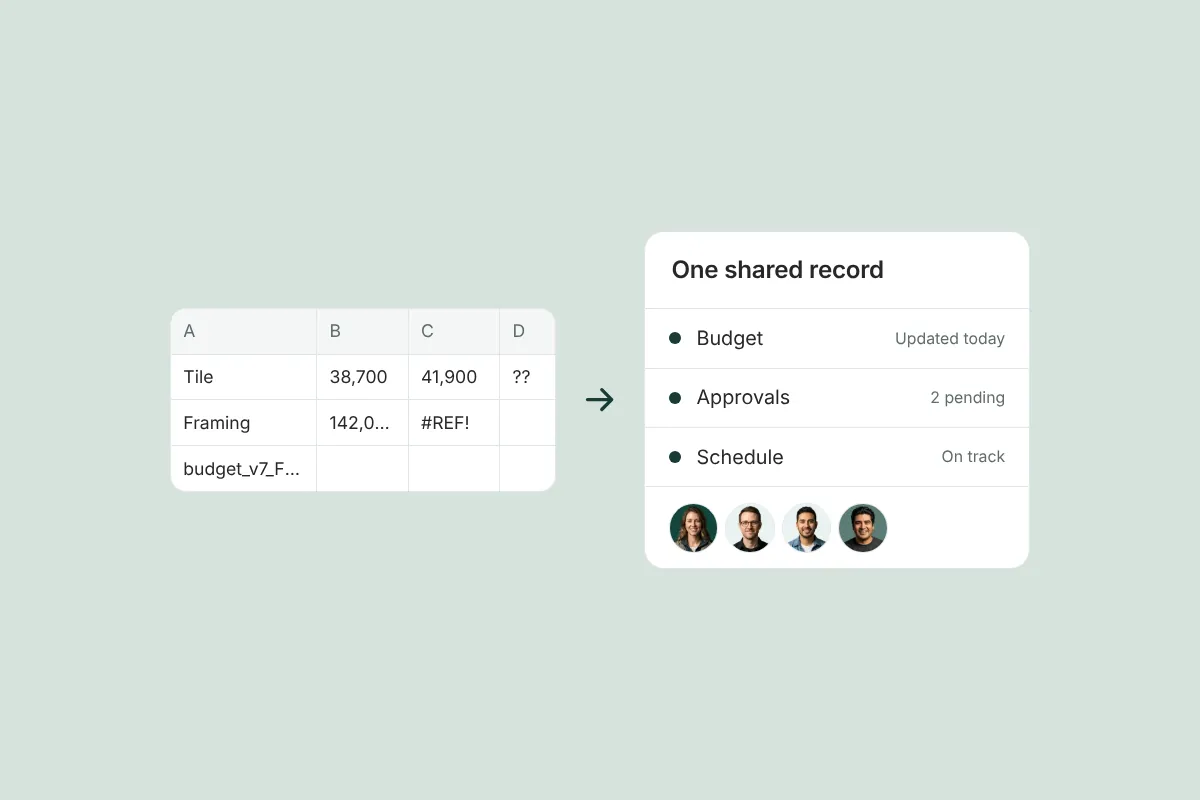
Consumer task apps are built for personal lists. On a job site, a single task can involve a trade partner, a client decision and a budget line at the same time, and the people who need to see it include the office, the field and sometimes the owner or architect. A generic app can hold the task, but it can’t connect it to the project record, so you end up copying information between tools. If you’re weighing that trade-off, see spreadsheet vs. project management software for small builders.
How Ally keeps the office and field on one task list
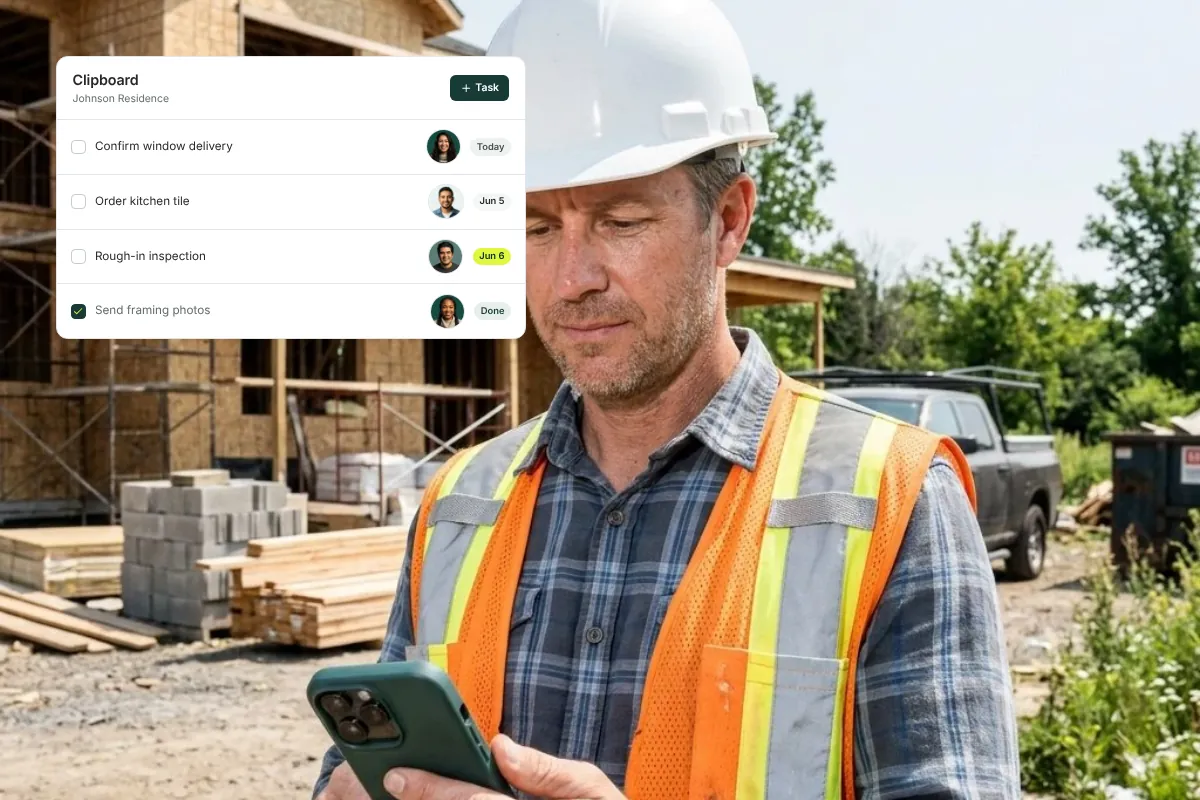
In Ally, every task is assigned to an owner, tracked through status changes, and closed out with a clear record of who did what and when. Assignees are notified when a task is assigned to them. Project managers and crews can update task status from the job site using Ally’s mobile app for iOS and Android, so the office works from current information without a phone call, and tasks sit inside the same project as its decisions, schedule and budget.
The result isn’t just fewer dropped balls. It’s clear accountability: anyone on the team can see who owns the next step. See how Ally’s task management for construction teams works.
Frequently asked questions
How do you assign tasks to a field crew?
Give each task one named owner, a due date, the context they need (photos, drawings, specs) and a clear definition of done, then put it somewhere the crew can see and update from a phone. Avoid assigning tasks to a trade or “the team”; a single owner is what makes the task move.
What is the best way to improve office and field communication in construction?
Use one shared, mobile-friendly system for tasks and project updates instead of texts, whiteboards and email. Make it the rule that anything said on a walkthrough becomes a task with an owner. Review overdue items briefly each week so the list stays current and trusted.
Do small residential builders need a construction task management app?
Once you’re running more than one or two active jobs, or have both office staff and field leads, it helps. The value isn’t the app itself; it’s having a single place where tasks, owners and status are visible to everyone, so nothing depends on someone’s memory.
Should homeowners see the builder’s task list?
Not all of it. Internal tasks usually stay internal, but tasks that involve the owner — a decision they need to make, an item they reported — benefit from visibility. When the owner can see that their request has an owner and a status, they don’t need to follow up.
How do you stop tasks from falling through the cracks?
Put every task in one list, give each one an owner and a due date, close tasks with a photo or note, and review overdue items regularly. Most dropped tasks come from requests that never made it into the shared list in the first place.
See how a shared task list works across office and field: book a demo.
Related resources
Spreadsheet vs. Project Management Software for Small Residential Builders: When to Switch
An honest comparison of spreadsheets vs. construction project management software for small residential builders, and the signs it’s time to switch.

The Custom Home Punch List: How to Run It So Closeout Doesn’t Drag On for Months
A step-by-step custom home punch list process (walkthrough, categorize, assign, verify, sign-off) and a checklist to close out without a never-ending list.

What to Tell a Homeowner When the Construction Schedule Gets Delayed
What to tell a homeowner when a construction schedule slips: a simple framework, sample scripts for each type of delay, and how to document the cause.
Get started with Ally
Start with one project and expand as your business grows. No hidden fees, no long-term contracts.