
Spreadsheet vs. Project Management Software for Small Residential Builders: When to Switch
Summary
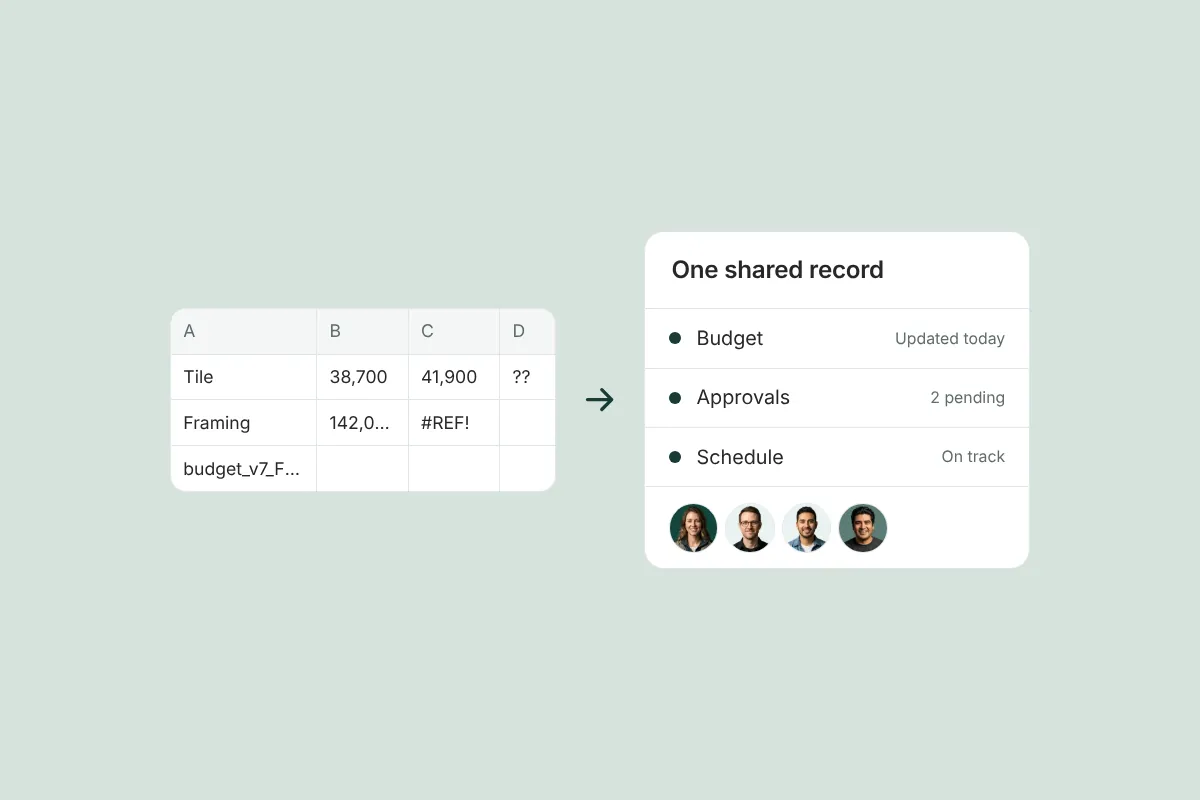
Spreadsheets are flexible, cheap and familiar, and they work well for one job and one person. They break down with multiple jobs, version control, field access, owner visibility and collaboration, and they can’t tie a discussion, file and cost to the item it belongs to. When transparency with owners and alignment across the team start to suffer, it’s time to switch.
On this page
- Key takeaways
- What do spreadsheets do well for builders?
- Where do spreadsheets break down?
- Why transparency and team alignment are the real reasons to switch
- Signs it’s time to switch
- How to choose project management software as a small residential builder
- What does switching look like in practice?
- How Ally fits small and mid-size residential builders
- Frequently asked questions
Spreadsheets work well for small residential builders running one or two jobs with one person keeping the numbers. It’s time to switch to project management software when you have several jobs at once, when versions of the same file start to disagree, when the field and the homeowner need current information, or when you can’t tie a conversation, document and cost to the item they belong to. The main reasons to switch are transparency and team alignment, more than time savings.
Key takeaways
- Spreadsheets are genuinely good at flexible calculation, quick setup and low cost.
- They break on multiple jobs, version control, field access, owner visibility and simultaneous collaboration.
- Their biggest gap: no easy way to connect the discussion, attachments and costs to a specific item.
- The strongest reason to switch is giving the owner, architect, office and field one current picture of the project.
- Choose software built for how you work; a cost-plus custom builder needs different things than a production builder.
What do spreadsheets do well for builders?
It’s worth being honest: spreadsheets have earned their place. For many small builders they’re the first project management system, and for good reasons:
- Flexibility. You can model any budget, schedule or selection list exactly the way you think about it.
- Low cost and no learning curve. Everyone already knows Excel or Google Sheets.
- Fast calculation. Estimating, what-if scenarios and quick math are hard to beat in a spreadsheet.
- Portability. Easy to email, print or export.
If you’re running one job at a time, keep the books yourself, and your client is happy with periodic updates, a well-built spreadsheet can be enough.
Where do spreadsheets break down?
The problems start when more people and more projects depend on the same information.
| Need | Spreadsheet | Construction project management software |
|---|---|---|
| Multiple active jobs | One file per job, no combined view | All projects in one system, with a portfolio view |
| Version control | Copies emailed around; which one is current? | One live record for everyone |
| Field access | Hard to use on a phone at the job site | Mobile apps built for field updates |
| Owner visibility | Exported or emailed on request | Owner sees current status, budget and decisions directly |
| Simultaneous collaboration | Edits collide or get overwritten | Many people work at once, with history |
| Context on each item | Comments in cells, files in email | Discussion, attachments and costs tied to the item |
| Approvals | Recorded separately, if at all | Sent, signed and stored with the record |
| Audit trail | Little or none | Who changed what, and when |
| Flexibility and cost | Very high flexibility, low cost | Structured, subscription cost |
The row that matters most for custom home builders is context on each item. When a cabinet upgrade is decided, the decision lives in an email, the price in a spreadsheet, the drawing in a shared folder and the follow-up in a text. Reconstructing what happened months later — when the owner asks why the cabinetry line went up — is where spreadsheets cost the most.
Why transparency and team alignment are the real reasons to switch
Time savings are real, but they’re not the most important reason a custom builder outgrows spreadsheets. The bigger reasons are:
- Transparency. High-end homeowners expect to understand where their project stands financially, what’s been decided and what’s next, without waiting for you to export a report. A spreadsheet only shows them what you choose to send, when you send it.
- Accountability. When decisions, approvals and tasks have a clear owner and record, nobody has to rely on memory. Spreadsheets rarely capture who approved what, or when.
- Team alignment. The owner, architect, office and trades should be working from the same current information. Five copies of a spreadsheet guarantee they aren’t.
Your reputation is too valuable to manage on a spreadsheet: the risk isn’t a formula error, it’s a client relationship strained by information that was out of date or never shared.
Signs it’s time to switch
- ☐ You’re running three or more active projects, or plan to.
- ☐ You’ve sent the owner (or yourself) the wrong version of a budget or schedule.
- ☐ The field regularly works from information the office has already changed.
- ☐ Owners ask for updates you have to assemble by hand.
- ☐ Approvals live in texts and email, and you’ve had to search for one in a disagreement.
- ☐ You can’t quickly answer “why did this line change?” with the decision, document and cost together.
- ☐ Preparing a pay application means hunting down invoices and lien releases across folders (see how to create a pay application).
- ☐ New staff take weeks to learn “how our spreadsheets work.”
If three or more apply, the cost of staying on spreadsheets is probably already higher than the cost of switching.
How to choose project management software as a small residential builder
Construction software ranges from estimating-first tools to large all-in-one platforms. Buildertrend, for example, is a widely used all-in-one platform with a broad feature set for many kinds of residential builders. If you’re looking for a Buildertrend alternative, the right question isn’t which tool has the most features; it’s which one fits how you build and how you work with clients. Consider:
- Contract type. If you work cost-plus, you need budget revisions, allowances, open-book cost tracking and pay apps backed by invoices and lien releases, not just fixed-price progress billing (see cost-plus vs. fixed-price contracts).
- The client experience. Will the homeowner and architect actually use it? A tool your team likes but the owner never opens doesn’t solve the transparency problem.
- Field adoption. If your superintendents won’t use the mobile app, the data will be stale.
- Accounting fit. Make sure it works with your accounting system, such as QuickBooks Online.
- Scope. More modules isn’t always better. Unused features add clicks and training.
Try it on a real project with your actual team and at least one client before committing.
What does switching look like in practice?
Switching doesn’t mean migrating years of history on day one. Most small builders start with their next new project, or the active project with the most owner communication, and move the live record there: budget, selections and approvals, schedule and tasks. Old jobs can finish on their spreadsheets.
Invite the homeowner and architect early. The transparency benefit only shows up when the people outside your office use it, and owners who see current budget and decision status from the start rarely go back to asking for emailed reports. Within a project or two, the spreadsheet usually becomes what it does best again: a place for estimating and quick analysis.
How Ally fits small and mid-size residential builders
Ally is built for residential GCs running $500K remodels to $20M+ custom homes, where client relationships carry as much weight as the numbers. Approvals, change orders, budgets, schedules, tasks, bids and pay applications live in one project record that the owner, architect, office and field share, with a client portal so homeowners can check status themselves and QuickBooks Online sync for accounting.
The goal isn’t to replace your judgment with software; it’s to give everyone on the project the same current information. See how Ally’s task management and the rest of the platform work together.
Frequently asked questions
Do small builders need project management software?
Not always. A builder running one or two jobs with one person managing the numbers can do well with spreadsheets. Software becomes worth it when you run several jobs, have office and field staff, or need owners and architects to see current information without you exporting reports.
When should a contractor stop using Excel for construction management?
When versions start to conflict, the field works from outdated information, owners ask for updates you assemble by hand, or you can’t quickly connect a decision, document and cost. Those are signs the spreadsheet has become a bottleneck for transparency and team alignment.
What is the best project management software for residential contractors?
The best fit depends on your work. Production builders, remodelers and high-end custom builders need different things. Look at contract type (cost-plus vs. fixed-price), client experience, field adoption, accounting integration and how much of the feature set you’ll actually use, then test it on a real project.
Is there a Buildertrend alternative for small builders?
Yes. Several tools serve residential builders, from broad all-in-one platforms like Buildertrend to more focused products. Ally focuses on high-end custom residential work, with an emphasis on documented owner approvals, cost-plus budgets and pay applications, and shared visibility for the owner, architect and team.
Can I keep using spreadsheets alongside construction software?
Many builders keep spreadsheets for estimating or analysis. The key is that the live project record — budget, approvals, schedule and tasks — lives in one shared system, so nobody is working from a copy.
Ready to see what one shared project record looks like? Book a demo.
Related resources
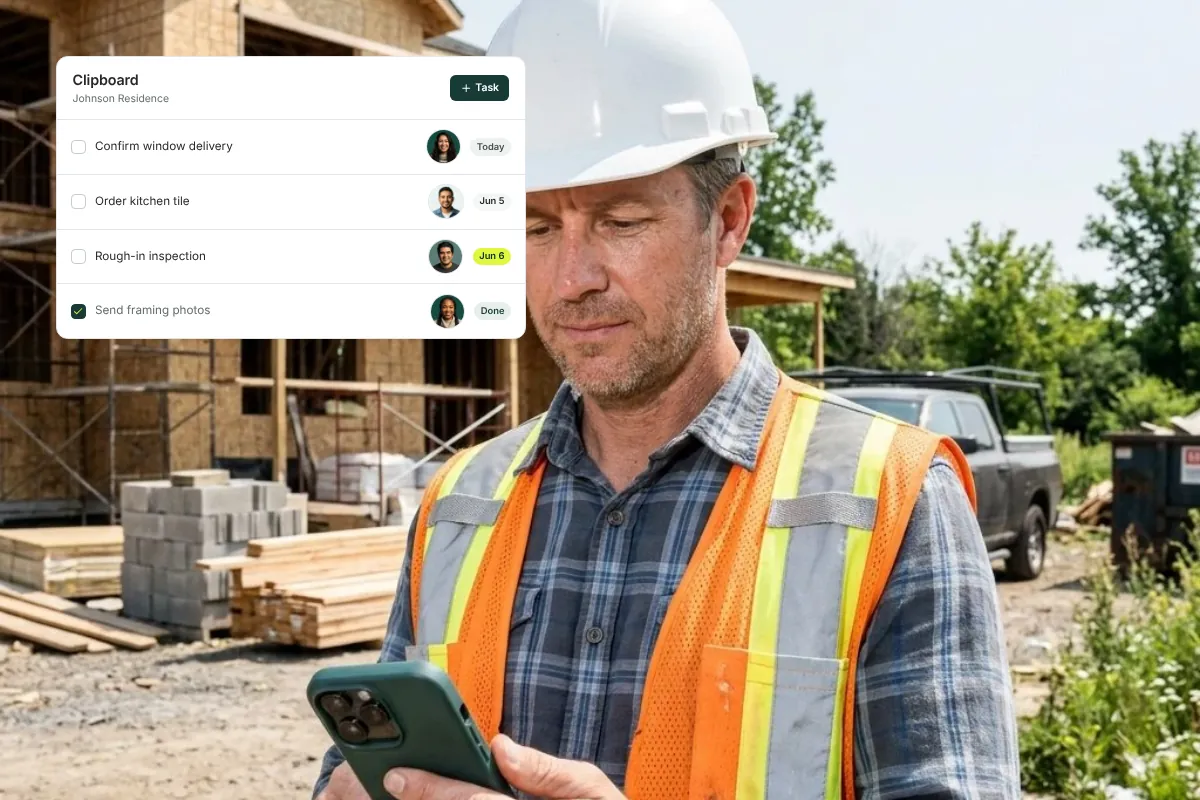
How Residential GCs Keep the Office and Field Crew on the Same Task List
How residential GCs keep office and field on one task list: clear owners, due dates and photo completion, so everyone knows who owns the next step.

The Custom Home Punch List: How to Run It So Closeout Doesn’t Drag On for Months
A step-by-step custom home punch list process (walkthrough, categorize, assign, verify, sign-off) and a checklist to close out without a never-ending list.

What to Tell a Homeowner When the Construction Schedule Gets Delayed
What to tell a homeowner when a construction schedule slips: a simple framework, sample scripts for each type of delay, and how to document the cause.
Get started with Ally
Start with one project and expand as your business grows. No hidden fees, no long-term contracts.