
How to Write a Construction Change Order
Summary
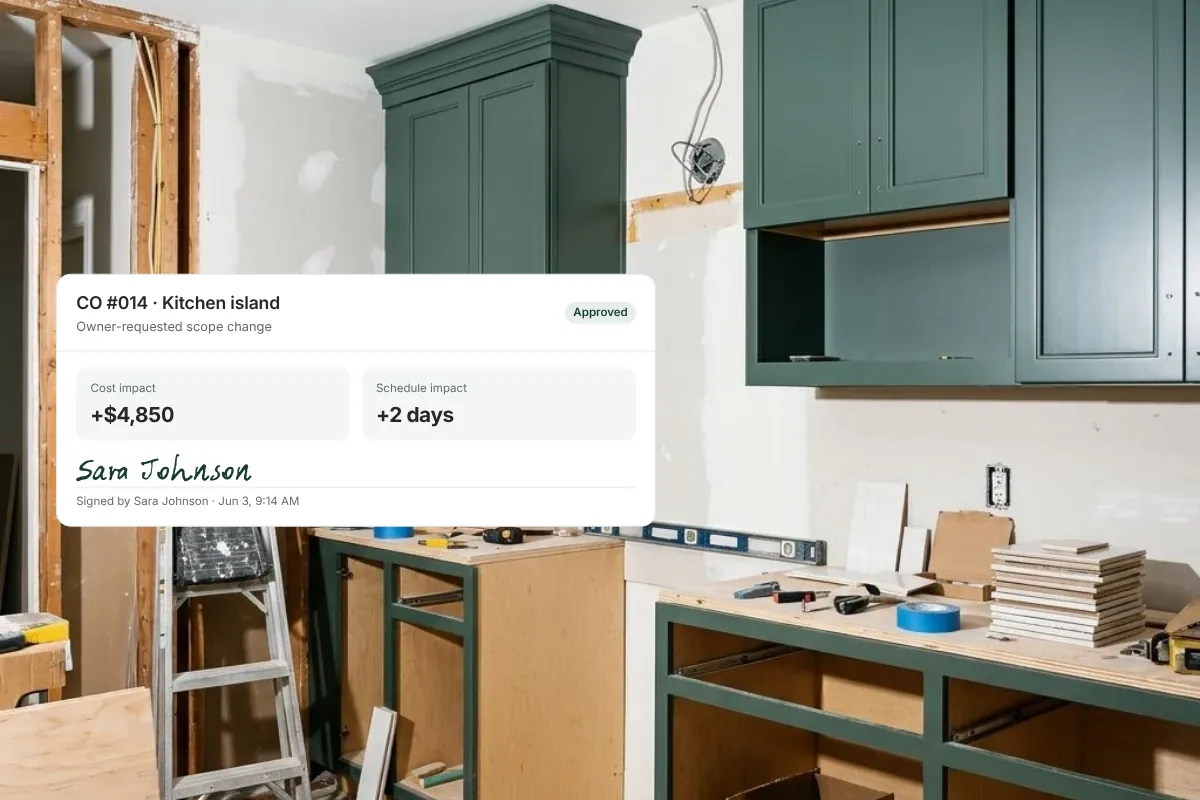
A construction change order documents a change to the agreed scope, price or schedule: what’s changing, why, what it costs, how it affects the schedule, and who approved it before the work proceeds. Use one for owner-requested scope changes and changes to fixed-price contracts or subcontracts; other cost adjustments may call for a budget revision instead.
On this page
- When is a formal change order the right tool?
- What should a change order include?
- Copy-ready change order template
- Worked example: added pantry built-ins on a fixed-price remodel
- Pricing approval vs. work approval
- How to number and track change orders
- Common change order mistakes
- How Ally handles change orders
- Frequently asked questions
A construction change order is a written amendment to the contract that records a change in scope, price or schedule and the owner’s approval of it. To write one, describe the change precisely, explain why it’s needed, show the cost and how it was calculated, state the schedule impact, and get it approved before the work proceeds. The template below covers everything a residential change order needs.
- Use a formal change order for owner-requested scope changes and for changes to fixed-price contracts or subcontracts.
- Not every cost adjustment is a change order; on cost-plus work many are budget revisions or allowance adjustments.
- Every change order needs scope, reason, cost, schedule impact and documented approval.
- Distinguish authorization to price a change from authorization to do the work.
When is a formal change order the right tool?
A change order is the right document when the agreed terms of a contract change. On custom homes, that usually means:
- Owner-requested scope changes — adding a built-in, moving a wall, upgrading a window package.
- Changes to a fixed-price contract between owner and builder, where the price was agreed for a defined scope.
- Changes to a fixed-price subcontract between the builder and a trade, where the trade’s agreed scope or price changes.
On cost-plus projects, many cost movements aren’t changes to the contract at all. A trade bid that came in higher than the budget line, an allowance that was exceeded by a selection, or an unforeseen condition may be better handled as a budget revision or allowance adjustment, documented and communicated to the owner but not routed through a formal change order. Requiring a change order for every adjustment can slow the job without adding clarity. The differences are covered in change orders vs. budget revisions.
The principle either way: document authorization before proceeding, using the process appropriate to the work.
What should a change order include?
- Project and contract reference. Project name, address, contract date, and the change order number.
- Who requested it and why. Owner request, design change, unforeseen condition, code requirement.
- Precise description of the change. What’s being added, removed or modified, with drawing or specification references.
- Cost breakdown. Labor, materials, subcontractor costs, and markup or fee as your contract defines them. Show credits for deleted work.
- Schedule impact. The number of days added (or “no impact”) and which milestones move.
- Revised contract amount. Original contract, previously approved changes, this change, and the new total.
- Terms. Payment timing, any deposit for special-order items, and whether the price is fixed or an estimate.
- Approval. Signature and date from the owner (and the builder), with the version approved.
Copy-ready change order template
| Field | What to enter |
|---|---|
| Change order # | Sequential number (CO-014) |
| Project / address | Project name and site address |
| Contract reference | Contract date and type (fixed-price or cost-plus) |
| Date issued | Date the change order is sent for approval |
| Requested by | Owner, architect, contractor, or required by conditions or code |
| Reason for change | One or two sentences on why the change is needed |
| Description of work | What’s added, removed or modified; reference drawings and specs |
| Cost breakdown | Labor, materials, subcontract, equipment, markup or fee; credits shown separately |
| Change amount | Total of this change (add or deduct) |
| Revised contract amount | Original + previous approved changes + this change |
| Schedule impact | Days added or “no impact”; milestones affected |
| Special terms | Deposits, long-lead ordering, pricing valid until (date) |
| Owner approval | Name, signature, date and time |
| Contractor approval | Name, signature, date |
Worked example: added pantry built-ins on a fixed-price remodel
This example is illustrative. Your markup and terms come from your contract.
| Line | Amount |
|---|---|
| Cabinet shop: pantry built-ins (fabricate and install) | $7,800 |
| Electrical: two added under-shelf lighting circuits | $650 |
| Paint and touch-up | $400 |
| Direct cost subtotal | $8,850 |
| Overhead and profit (example: 18% per contract) | $1,593 |
| Change order amount | $10,443 |
| Original contract | $412,000 |
| Previously approved change orders | $18,250 |
| Revised contract amount | $440,693 |
| Schedule impact | +4 working days (cabinet lead time; finishes in that area shift) |
The description would read something like: “Add floor-to-ceiling pantry built-ins on the north wall of the pantry per sketch SK-12 dated 3/4, painted to match kitchen cabinetry, with two LED under-shelf lighting circuits on a new switch at the pantry door. Price valid until 3/18.” Precise wording prevents the most common change order dispute: different memories of what was included. For how to arrive at the markup and how pricing differs on cost-plus work, see how to price changes on a custom home.
Pricing approval vs. work approval
Many owners want to know what something would cost before deciding. That’s a legitimate step, and it’s different from approving the work. Keep the two distinct:
- Authorization to develop pricing — the owner asks you to price an option. You may need to involve trades or the architect, and your time may be billable under your contract.
- Authorization to proceed — the owner approves the change order with its cost and schedule impact. Work starts after this.
Recording which one was given prevents “I only asked what it would cost” conversations later. More on this in how to properly document owner approvals.
How to number and track change orders
Keep a simple change order log for each project. It gives the owner and your team a running picture of what’s changed and where the contract stands:
| CO # | Description | Amount | Days | Status | Approved |
|---|---|---|---|---|---|
| CO-012 | Upgrade front door hardware | $1,450 | 0 | Approved | Feb 10 |
| CO-013 | Delete hall bath heated floor (credit) | –$2,100 | 0 | Approved | Feb 22 |
| CO-014 | Add pantry built-ins | $10,443 | +4 | Pending | — |
Number change orders sequentially and never reuse a number, even if a change order is withdrawn. Mark withdrawn or rejected change orders as such instead of deleting them; the history is part of the record. Review the log in every owner meeting so pending items don’t sit unnoticed.
Common change order mistakes
- Doing the work first and writing it up later. Unpriced, unapproved work is the hardest money to collect.
- Vague descriptions. “Upgrade lighting” invites a dispute; specific fixtures, quantities and locations don’t.
- Leaving out the schedule impact. Owners remember the cost and forget the days, until the move-in date slips.
- Not showing the running total. Owners deserve to see the revised contract amount every time.
- Treating every cost adjustment as a change order on cost-plus work, which creates paperwork and delay without adding transparency.
This is general information, not legal advice; check your contract and state law for change order requirements.
How Ally handles change orders
In Ally, change orders follow the same approval and documentation standard as every other decision on the project. Each change order is sent to the owner for digital sign-off and captured with a timestamp, so it’s clear what was approved, by whom and when. Approved changes flow into the budget and schedule, so the numbers and dates stay in sync without re-entry.
If a question comes up later, the full history of a change order — what was sent, what was approved and its cost and schedule impact — is in one place. See how change order management in Ally works.
Frequently asked questions
What should a construction change order include?
The project and contract reference, change order number, who requested it and why, a precise description of the work, a cost breakdown with markup or fee, the schedule impact, the revised contract amount, any special terms, and dated approval from the owner and contractor.
How do you write a change order for a home renovation?
Describe exactly what’s changing with drawing references, price it using the method in your contract, state the schedule impact, show the revised contract total, and send it for the owner’s approval before starting the work.
Do you need a change order on a cost-plus contract?
For owner-requested scope changes, usually yes. But many cost movements on cost-plus work are budget revisions or allowance adjustments rather than contract changes. Document and communicate them, using the process your contract calls for.
Can work start before a change order is signed?
It’s risky. Document authorization before proceeding. If an urgent change truly can’t wait, get written authorization to proceed with a not-to-exceed amount and finalize the change order promptly.
Who signs a construction change order?
The owner (or their authorized representative) and the contractor. On some projects the architect also signs. Your contract defines who has authority to approve changes.
See how documented change orders keep budget and schedule in sync: book a demo.
Related resources
How to Price Changes on a Custom Home: Cost-Plus vs. Fixed-Price
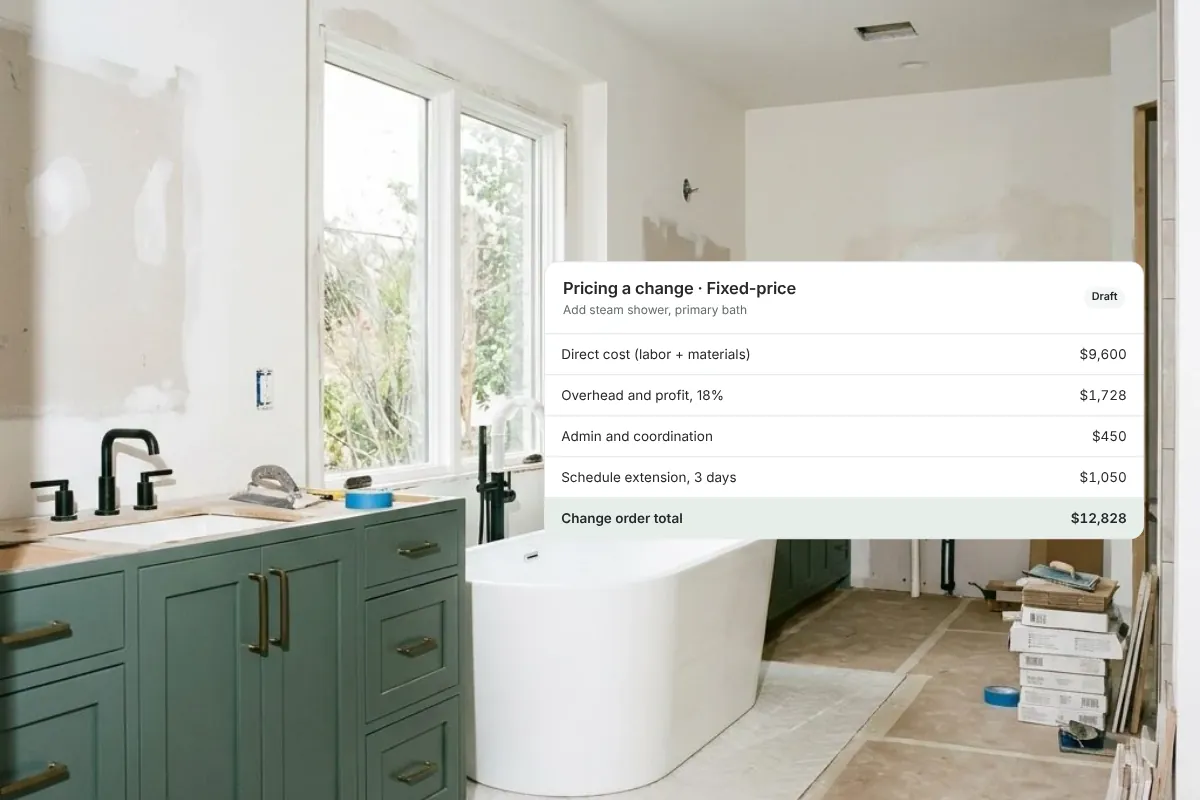
How to price a change order fairly on a custom home: direct cost, markup, overhead, admin time and schedule impact, for fixed-price and cost-plus work.

Change Orders vs. Budget Revisions: What Custom Home Builders Need to Know
Not every cost adjustment is a change order. Learn the five types of cost change on a custom home and the right way to document and authorize each one.

What to Do When a Homeowner Keeps Changing Their Mind Mid-Build
When a homeowner keeps changing their mind mid-build, costs spiral and timelines collapse. Here's how to protect your project and your sanity.
Get started with Ally
Start with one project and expand as your business grows. No hidden fees, no long-term contracts.